Private property front door
Qualified buyers review Villa Infinito, request viewings, check documents and track next steps in one branded mobile experience.
Apps / Service 26
A serious iOS app should make a premium relationship feel faster and more private while giving the team ownership behind every request.
Overview
Blackstone Digital plans iOS apps around the buyer journey, private data boundary, device choice and operating model behind the screen. For a luxury real estate workflow like Villa Infinito, the website, portal, iPhone app and iPad experience each need a clear commercial role before build scope expands.
Client app preview
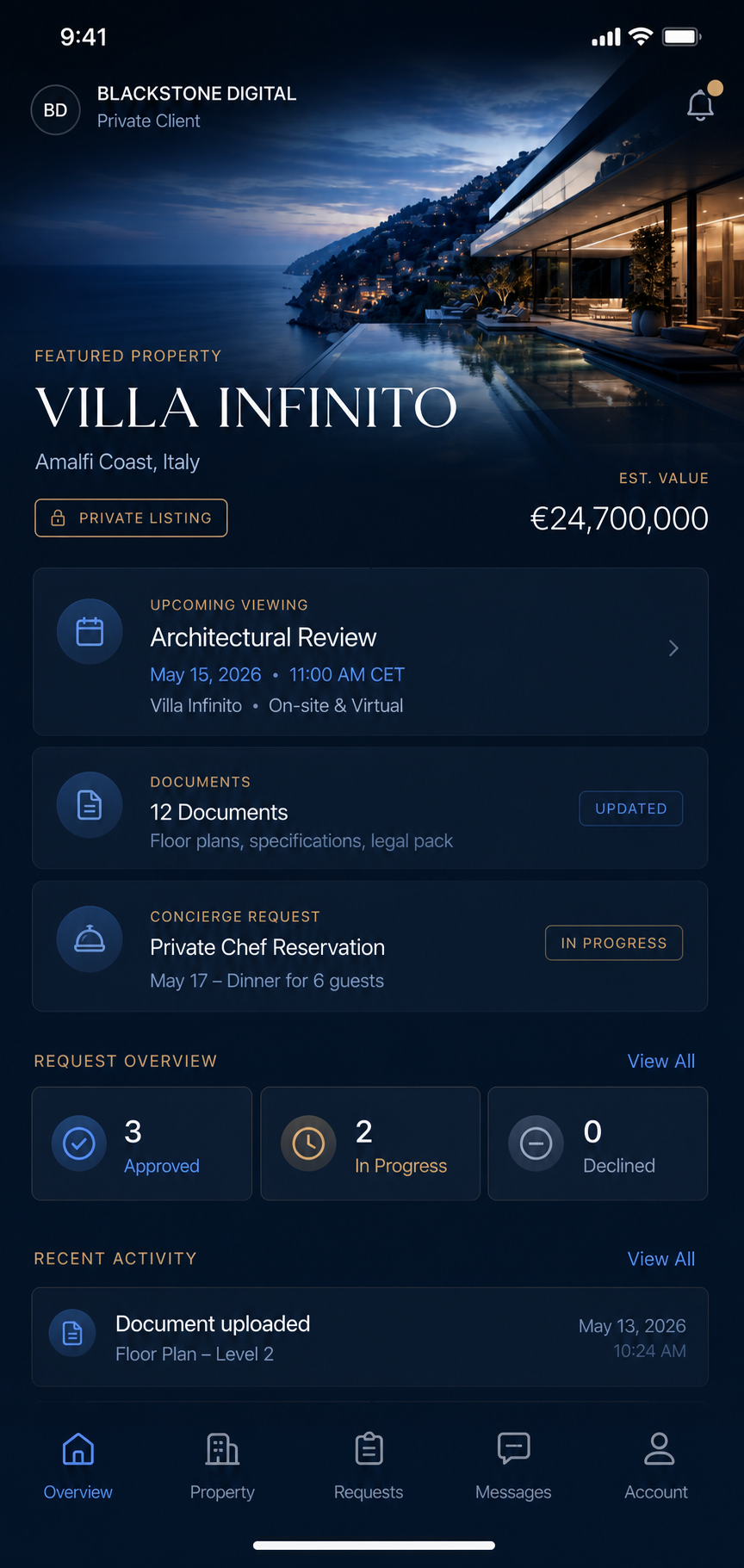
Why commission the iPhone app
For a luxury property like Villa Infinito, the iPhone app is justified when the relationship has already moved beyond public discovery. Qualified buyers, advisors and concierge teams need fast access to viewing updates, private documents, approval prompts and service requests while decisions are still active. Blackstone Digital turns that high-value relationship into one discreet mobile client space, so the buyer experience feels personal and immediate while your team keeps clear ownership behind every next step.
Qualified buyers review Villa Infinito, request viewings, check documents and track next steps in one branded mobile experience.
Viewing changes, document updates, approvals and concierge requests reach the client without another scattered message thread.
Requests become owned tasks with status, notes, permissions, documents and follow-up visibility for the team.
Blackstone Digital handles screen planning, prototype direction, TestFlight, App Store readiness and handover around the real estate workflow.
Sales promise
The goal is not to sell a generic app idea. It is to turn the high-value property relationship into a premium client product: discreet, mobile, measurable and connected to the operating system behind every request.
iPhone app investment case
For luxury real estate, a custom iPhone app becomes valuable when a qualified buyer, owner, advisor or concierge team needs the property relationship in their pocket: viewing updates, private documents, requests, approvals, alerts and next steps that cannot wait for another email thread.
If the job is public discovery, Blackstone Digital will recommend a website first. If the job is private records and repeat access, a portal may be enough. The iPhone case becomes stronger when speed, discretion, reminders and premium service handling directly affect the client experience.
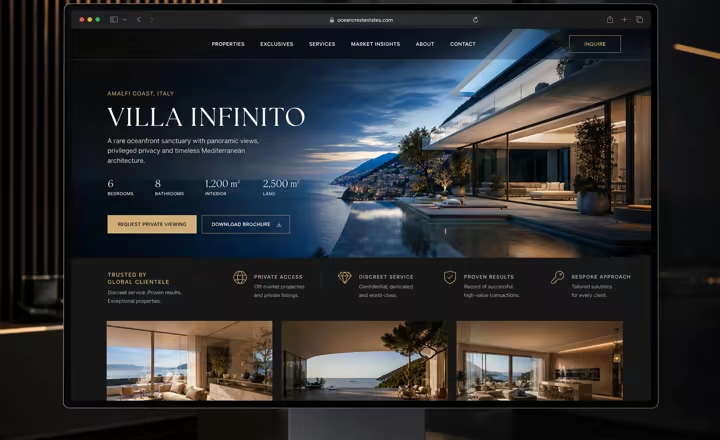
Website
A website is the right purchase when a luxury property still needs to be discovered, understood and trusted. It gives Villa Infinito the public narrative: architecture, location, photography, floor plans, proof, FAQ logic and a clear inquiry route before any private buyer workflow begins.
Choose this when the main job is market visibility, credibility and qualified inbound interest.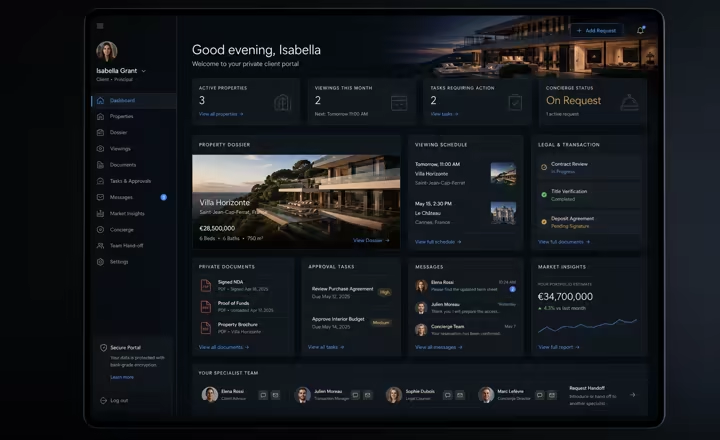
Portal
A portal is the stronger purchase once buyers, owners, brokers or staff already have a relationship and need secure access to documents, viewing schedules, preference notes, approvals, requests and status. It keeps the relationship organized without asking every user to install a native app.
Choose this when the work is private, repeatable and account-based, but browser access is enough for the client experience.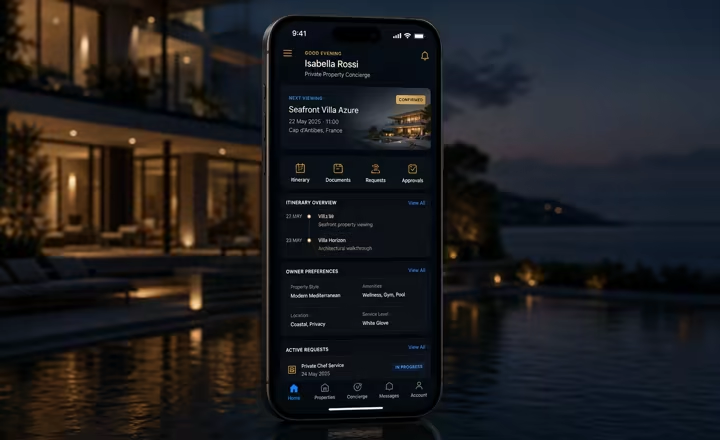
Custom iOS App
A custom iPhone app becomes justified when the Villa Infinito relationship needs timely alerts, viewing changes, concierge requests, private documents, approvals and staff follow-up at the exact moment the client is moving. The value is not another screen; it is speed, discretion and a branded service layer that travels with the buyer.
Choose this when mobile responsiveness, client perception and operational control directly affect the value of the service.Decision matrix
| Decision factor | Website | Portal | Custom iOS App |
|---|---|---|---|
| Best commercial use | Use it when new buyers or representatives must understand the property, trust the brand, compare the offer and make an inquiry before private access is appropriate. | Use it when qualified clients or staff return to the same documents, viewing plans, approvals, preference notes, requests or status in a browser. | Use it when the client journey is high-value, time-sensitive and mobile enough that alerts, approvals and service handling need to live on iPhone. |
| Luxury real estate example | Villa Infinito needs a polished public page for architecture, location, photography, floor plans, proof points, FAQ logic and inquiry capture. | Qualified buyers, owners or representatives need a private area for documents, viewing schedules, preference notes, approvals, requests and status. | A buyer, advisor or concierge team needs iPhone alerts, viewing changes, approval prompts, private notes and service requests during the active property relationship. |
| Buyer value | Improves public trust before contact by making the property, proof and next step easy to understand. | Reduces repeated email, missing documents, unclear status and fragmented communication after the relationship starts. | Makes the service feel closer, faster and more discreet when a premium client expects immediate clarity. |
| Operational depth | Public story, content structure, proof, SEO signals, forms, routing and follow-up paths. | Private records, roles, document handling, approvals, status visibility, requests and staff ownership. | Native screens, account logic, notifications, request flows, approval moments, permissions, TestFlight feedback and release preparation. |
| Investment rationale | Website spend is justified by demand creation, buyer confidence and stronger qualified inquiry flow. | Portal spend is justified by lower operating friction, cleaner handoffs and better control of the private relationship. | iPhone app spend is justified by premium retention, service speed, discretion and turning repeated client handling into a branded product. |
| Risk and readiness | Lower platform risk; quality depends on content accuracy, performance, SEO, image handling and inquiry routing. | Medium operational risk; quality depends on access control, data ownership, document handling, notifications and support routines. | Higher launch responsibility; privacy details, push notification purpose, review access, support URL, permissions and distribution path must be planned early. |
| Blackstone recommendation | Start here when the public buyer journey still needs stronger positioning, proof and inquiry conversion. | Move here when repeated relationship work needs structured access, but a browser still carries the experience well. | Commission this when mobile responsiveness, brand standard, repeated client use and operational control are all part of the business case. |
Decision scale
The property story, proof, FAQ logic and inquiry route are still the core job.
Qualified clients or staff need recurring access to documents, schedules, approvals or status.
The client needs alerts, approvals, requests and concierge context while away from a desk.
Privacy notes, permissions, TestFlight feedback, support URL, distribution path and staff ownership are ready before launch pressure.
iPad app preview
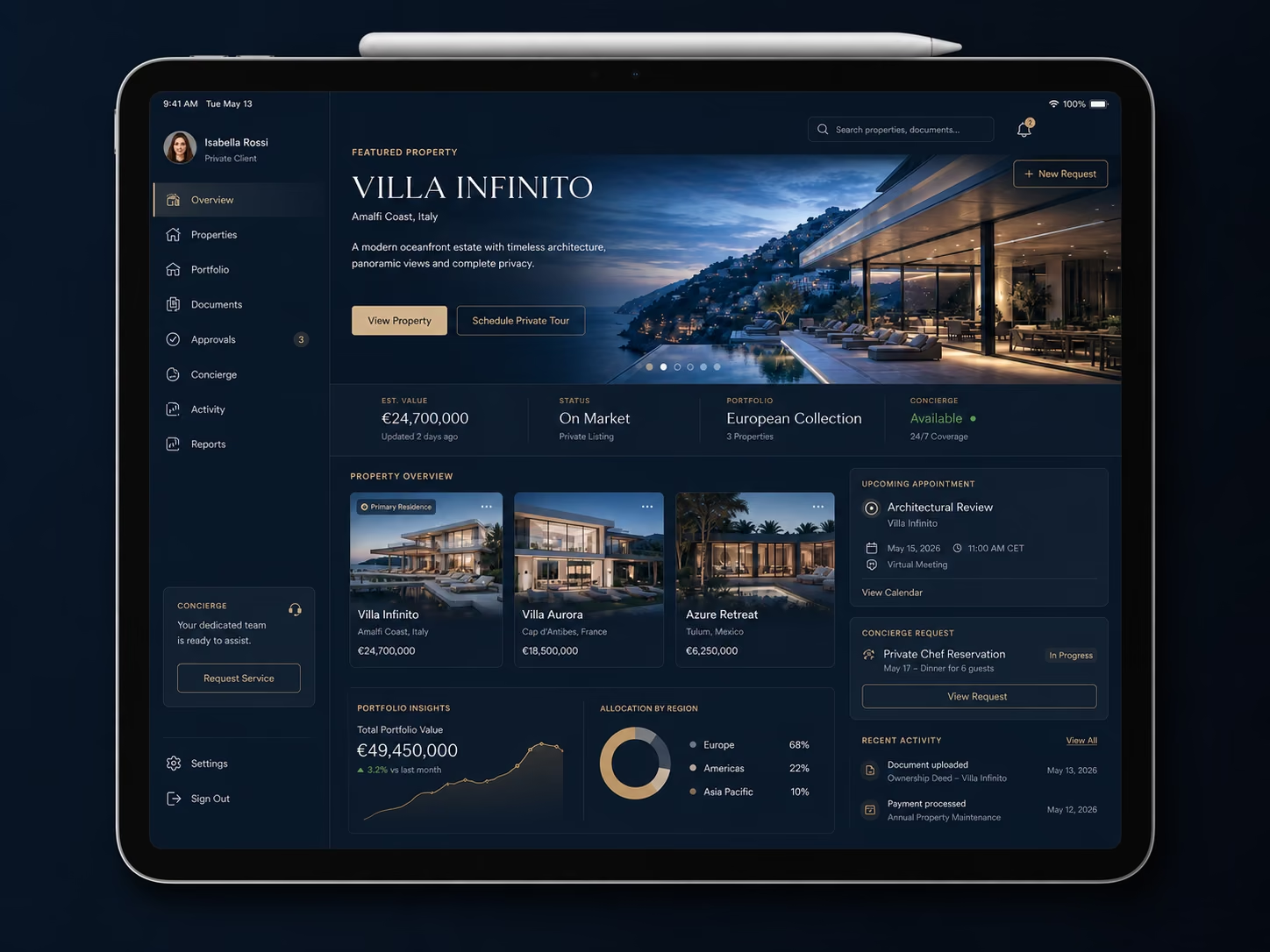
Why commission the iPad app
An iPad app should not simply mirror the iPhone flow. It gives clients, sales teams and concierge staff a larger premium canvas for property previews, documents, approvals, booking context and status updates. Blackstone Digital builds it as a polished service workspace where decisions are easier to review and every request still feeds the operating system behind it.
Show properties, portfolios, itineraries or service options in a format that feels closer to a private briefing than a phone screen.
Documents, preferences, quotes and requests can be checked together before a client signs off or asks for changes.
Managers and concierge teams can see status, ownership and next steps without losing the premium front-end experience.
Blackstone Digital plans screen hierarchy, prototype review, TestFlight feedback and App Store readiness around the tablet experience.
Sales promise
The goal is not to stretch a phone app onto a larger screen. It is to create a calm, premium client workspace that helps people inspect, decide and approve while your team keeps structured records behind every interaction.
iPad investment case
For luxury real estate, the iPad is strongest when a buyer, owner or advisor needs to compare a property, review documents, inspect media and make a high-value decision in one composed setting. A website attracts attention and a portal stores the relationship; an iPad app turns the meeting, showroom or private viewing into a controlled premium briefing.
If the use case is only public marketing or account access, Blackstone Digital will recommend a website or portal first. The iPad case becomes stronger when presentation quality, guided comparison and approval flow materially affect confidence, speed or client perception.
Website
A website is the right surface when a luxury property, development or advisory offer still needs to be discovered, understood and trusted. It gives Villa Infinito a public story, search structure, proof, FAQ logic and a clear inquiry path before any private conversation begins.
Choose this when the main job is market visibility, positioning and qualified inbound interest.
Portal
A portal is stronger when buyers, owners, brokers or staff need a secure place to return to documents, viewing schedules, preference notes, requests and status updates. It organizes the relationship, but it is still a browser-based operating layer rather than a guided presentation room.
Choose this when the work is private, repeatable and account-based, but the meeting experience is not the main investment case.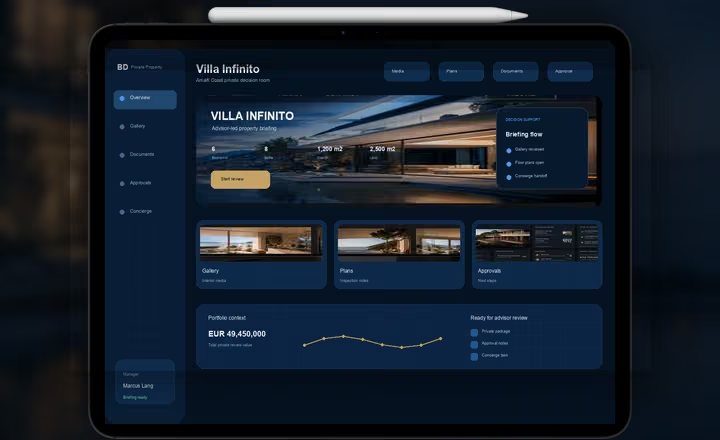
iPad App
An iPad app becomes justified when a premium client, advisor or broker needs to inspect Villa Infinito through rich media, floor plans, portfolio context, documents, notes, approvals and concierge next steps in one calm tablet experience. The value is not the device; it is the controlled conversation it enables.
Choose this when high-value review, guided comparison, client perception and staff follow-up all need to happen inside one premium surface.Investment matrix
| Decision factor | Website | Portal | iPad App |
|---|---|---|---|
| Best commercial use | Use it when a property, advisory offer or service must win trust from people who have not entered a private workflow yet. | Use it when known clients or staff need structured access to records, documents, requests, approvals or status. | Use it when the meeting itself is a high-value decision moment that benefits from a guided, premium tablet experience. |
| Luxury real estate example | Villa Infinito needs a polished public page for the architecture, location, photography, proof points and inquiry route. | Qualified buyers or representatives need a private area for documents, viewing plans, preferences, ownership notes and follow-up tasks. | A broker or advisor presents Villa Infinito on iPad with media, floor plans, comparison notes, approval steps and concierge handoff. |
| Buyer value | Improves confidence before contact by making the offer, proof and next step easy to understand. | Reduces repeated email, missing files, unclear status and fragmented communication after the relationship starts. | Creates a composed review setting where a premium client can inspect, compare and decide without the experience feeling improvised. |
| Operational depth | Mainly public content, conversion routing, SEO structure, forms and follow-up paths. | Private records, roles, document handling, approvals, status visibility, requests and staff ownership. | Property media, comparison views, client selections, annotations, approvals, presentation flow and handoff into the operating team. |
| Investment rationale | Best first spend when market visibility and demand capture still carry the largest commercial upside. | Best next spend when the relationship is active and repeated service work needs structure. | Best premium spend when deal value, client expectation, advisor workflow and decision quality justify a custom tablet surface. |
| Blackstone recommendation | Start here when the public buyer journey still needs stronger positioning, proof and inquiry conversion. | Move here when private workflow complexity is creating friction, but browser access is enough. | Commission this when iPad becomes the premium front room for high-value decisions, not just a larger phone screen. |
Decision scale
The buyer still needs to find, understand and trust the property or advisory offer.
Clients or staff need to return to records, documents, requests, approvals or status.
A broker, advisor or client needs a larger screen for property media, comparisons, annotations and approvals.
The tablet experience connects to CRM, portal or concierge follow-up so decisions become owned next steps.
Villa Infinito use case
The investment case is not that every real estate brand needs an app. It is that a qualified, high-value relationship can deserve a private iOS layer when speed, discretion, documents, approvals and service follow-up affect the buyer experience.
Website creates demand. Portal controls access. iOS turns an active premium relationship into a guided service operation.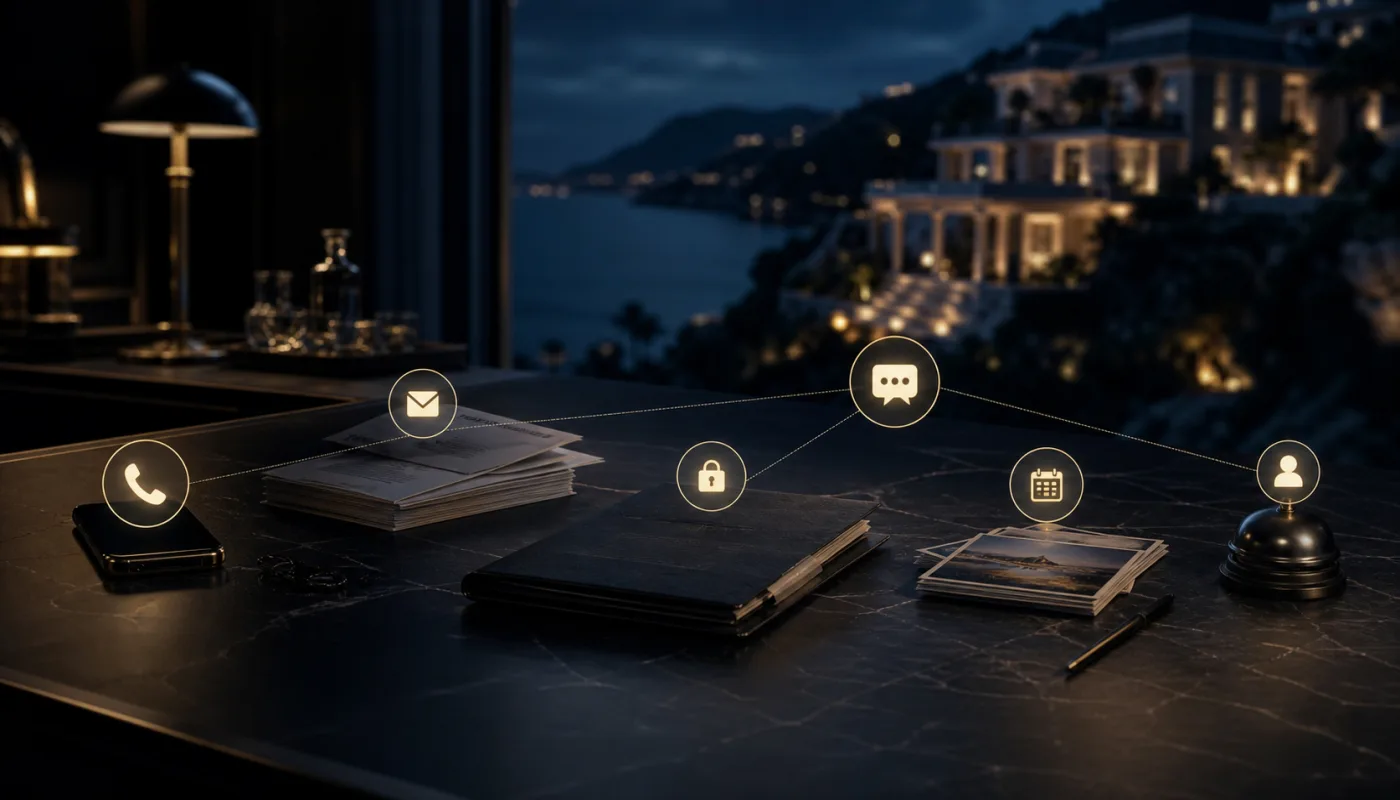
Villa Infinito shows why a premium property relationship can lose confidence when high-value follow-up lives across too many informal channels.
| Buyer issue | Viewing changes, questions, private documents and concierge requests sit across calls, email and chat, so the buyer lacks one trusted source of next steps. |
|---|---|
| Blackstone approach | Map the real client moments, owners, private data, urgency and response expectations before deciding whether the answer is website, portal or iOS. |
| Operating value | The scattered relationship becomes a visible workflow with defined ownership, handoff points and escalation moments. |
| Measurement focus | Track unanswered buyer questions, first response time, document completion gaps and handoff misses. |
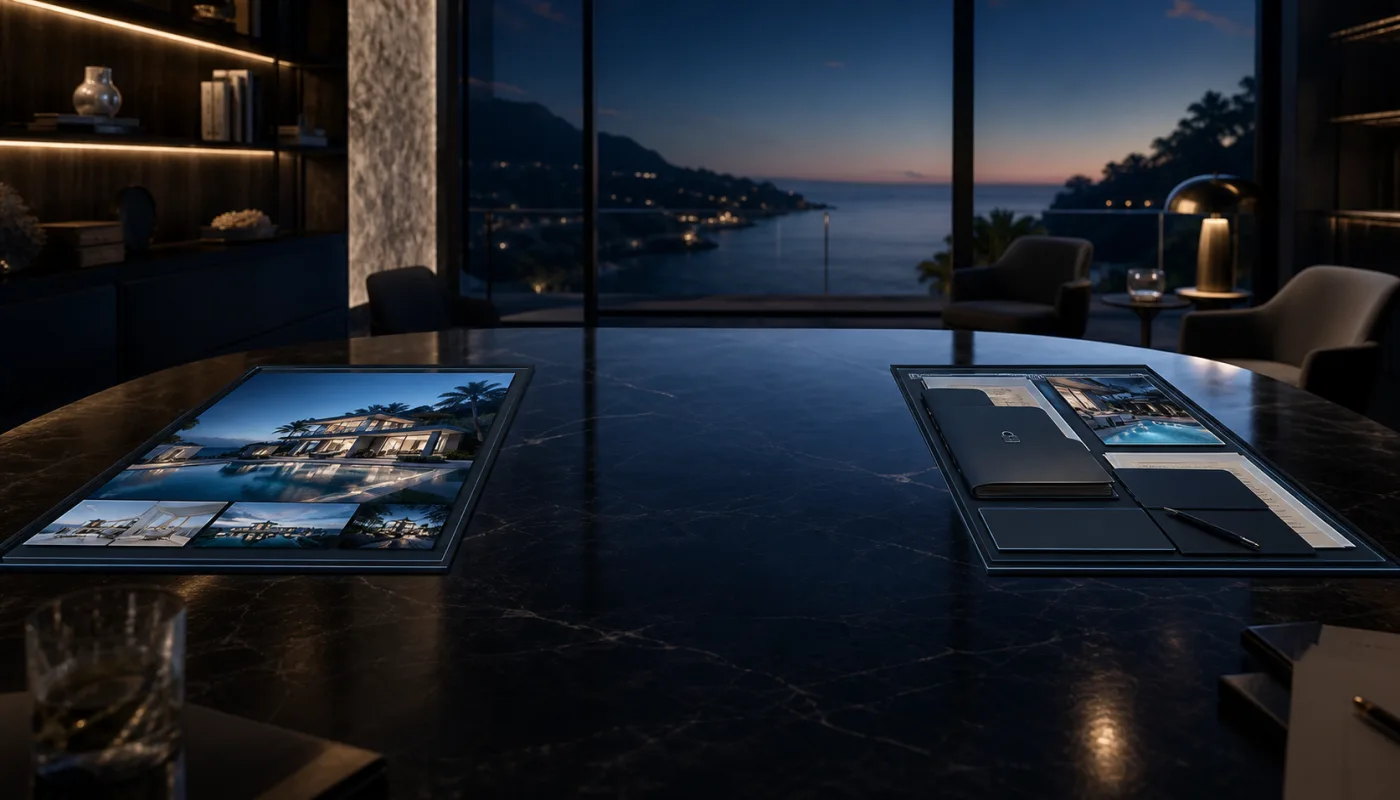
A website and portal can both be correct investments, but they do not always create the same private client-room experience during an active decision.
| Buyer issue | The website creates public demand and the portal stores private access, but neither carries urgent follow-up, guided review and advisor context at the decision moment. |
|---|---|
| Blackstone approach | Keep the website responsible for discovery, keep the portal responsible for records, then define the specific gap where iOS changes the client experience. |
| Operating value | The app case becomes tied to premium decision moments instead of becoming an expensive duplicate of existing web or portal work. |
| Measurement focus | Track qualified inquiry-to-private-room conversion, repeat portal returns, unresolved status checks and decision delays. |
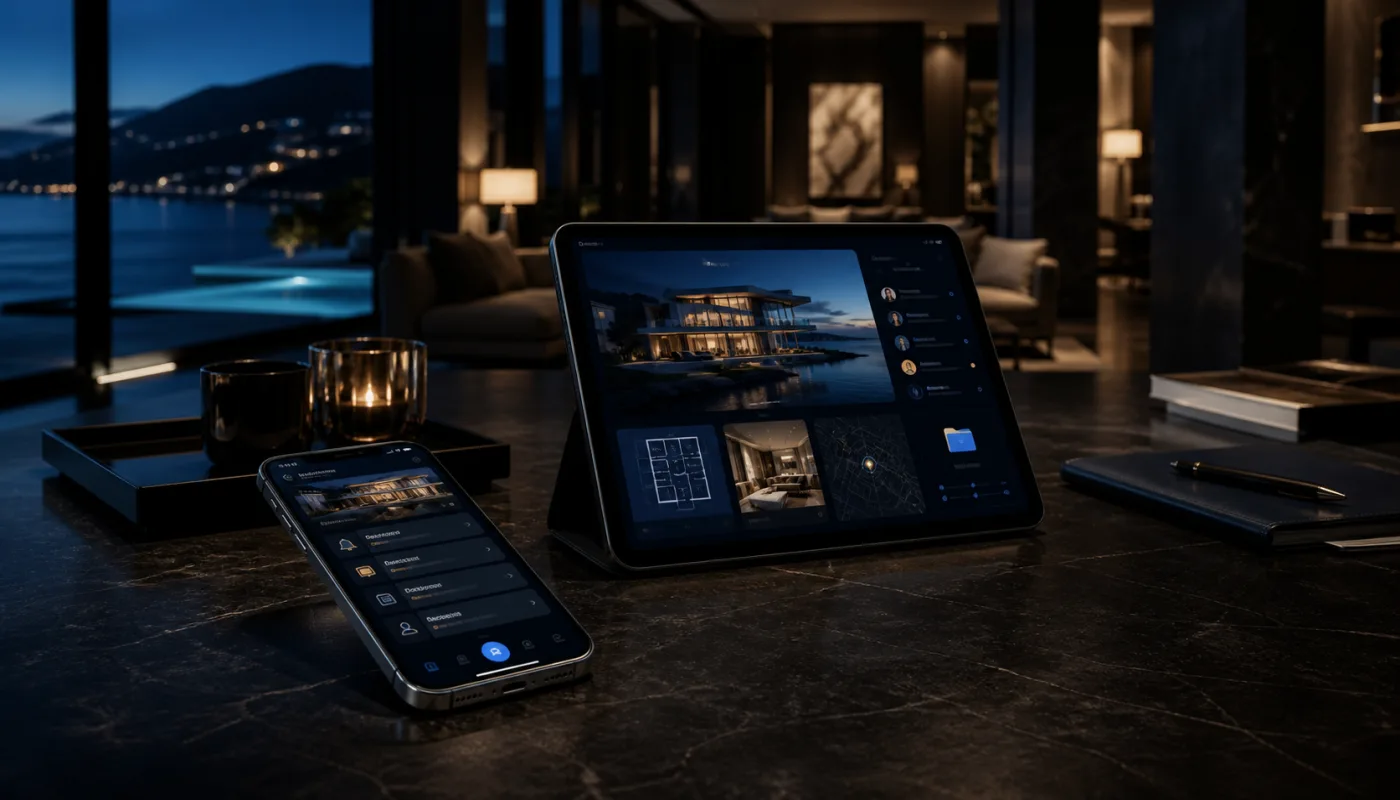
The iOS case becomes stronger when the buyer relationship needs both pocket-speed follow-up and a composed briefing surface for review and approval.
| Buyer issue | A qualified buyer, advisor or concierge team needs timely alerts on iPhone, while larger property media, comparisons and approvals need a calmer iPad surface. |
|---|---|
| Blackstone approach | Split the role of each surface: iPhone for urgent relationship handling, iPad for guided review, presentation quality and decision support. |
| Operating value | The client receives the right interface for the moment instead of forcing every action into email, browser access or a single generic app view. |
| Measurement focus | Track buyer activation, notification engagement, approval completion and viewing attendance. |
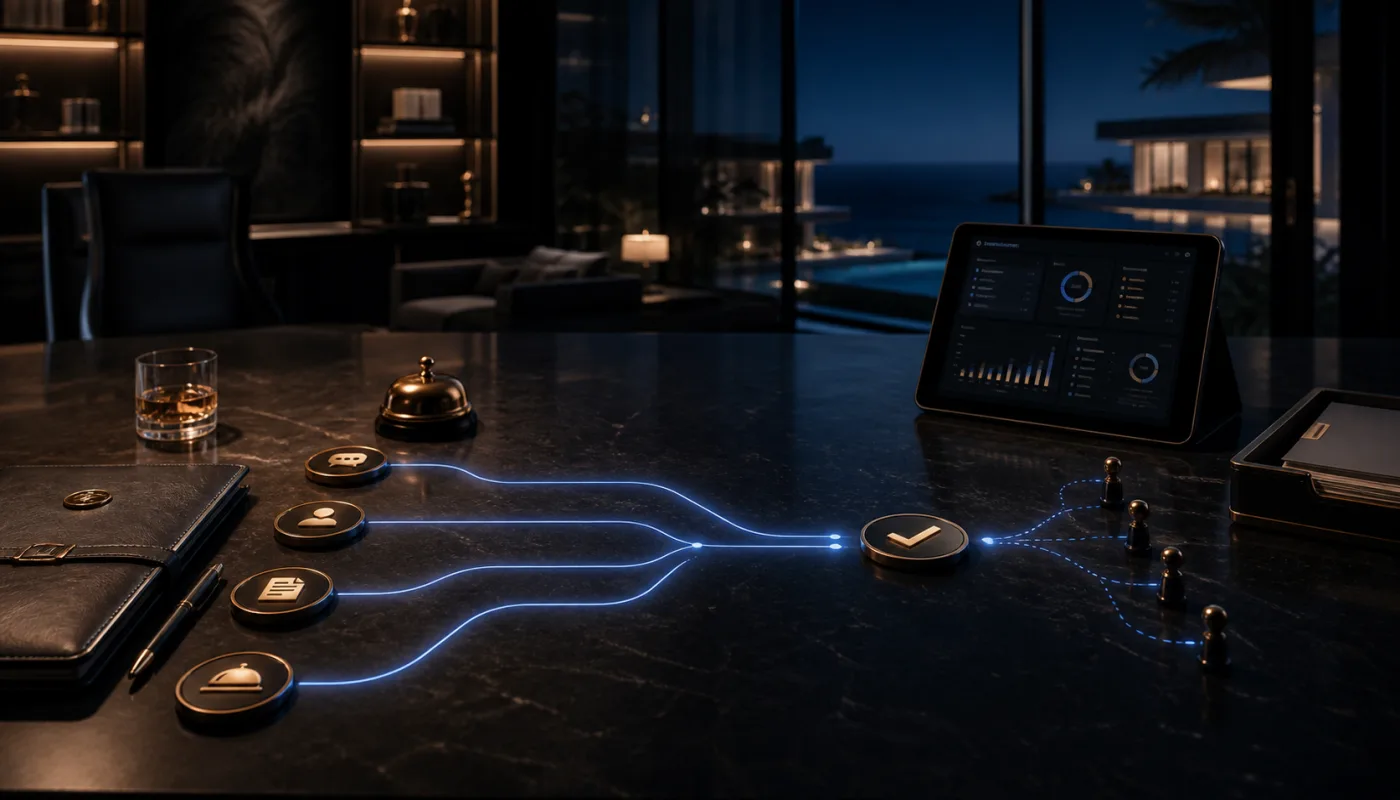
The commercial value is not only a better client screen. It is the operating discipline behind every request, approval, document and concierge handoff.
| Buyer issue | Client actions often create invisible work unless every request, approval and service step becomes owned by a person, status and follow-up path. |
|---|---|
| Blackstone approach | Connect iOS moments to the operating layer: roles, permissions, request states, document handling, notifications, audit trail and staff ownership. |
| Operating value | Premium service becomes easier to run because every client action can become a trackable task instead of an informal message thread. |
| Measurement focus | Track request response time, approval cycle time, concierge SLA and staff handoff completion. |
Launch, privacy and distribution readiness
Premium app work can fail late if review access, support information, privacy details, notification purpose or distribution path are treated as afterthoughts. Blackstone Digital brings those launch questions into the first phase.
Blackstone can prepare the launch path and reduce avoidable review friction, but Apple approval, platform timing and commercial performance are not guaranteed.
Plan tester groups, beta notes, review questions and feedback collection before launch pressure starts.
Prepare demo access, backend availability, review explanations and complete metadata for the submitted workflow.
Support URL, privacy policy and user-data explanations should be real, accessible and consistent with the app.
Know which client data, documents, identifiers, diagnostics or usage data the app collects and why.
Notifications should support viewing updates, approvals or service requests, not become generic marketing noise.
If private distribution is appropriate, plan the Apple Business Manager / Custom App route early.
iOS App Review Intake
A serious iOS review should capture the audience, private data, notification moments, existing portal or backend, Apple distribution path and launch timing before the app becomes a design exercise.
Clarify whether the commercial case belongs on iPhone, iPad or both.
Name documents, approvals, notes and private client records before scope expands.
Plan TestFlight, review notes, support URL, privacy policy and distribution early.